How to download EODATA file using boto3 on CODE-DE-Lab
LEGACY ARTICLE
This article is marked as a legacy document and may not reflect the latest information. Please refer to the following article: How to access EODATA using boto3 on CODE-DE-Lab
Download particular Landsat-5 image.
Warning
To avoid package conflicts, we recommend using virtualenv when installing Python packages. For instructions on creating and activating a virtual environment, see How to install Python virtualenv or virtualenvwrapper on CODE-DE-Lab.
Install boto3 with the command that matches your setup:
If you are using an activated virtual environment:
(myvenv) eouser@vm01:~$ python -m pip install boto3
If you want to install boto3 system-wide:
eouser@vm01:~$ sudo apt install python3-boto3
Script for downloading one .png file
You will need EODATA access key and secret key to execute the code below. Obtain them by following this article: How to get credentials used for accessing EODATA on a cloud VM on CODE-DE-Lab. In the code below, replace the contents of the access_key variable with your access key and the contents of the secret_key variable with your secret key, respectively.
The output filename does not convert the downloaded data. Keep the .png extension for this PNG file.
import boto3

from botocore.config import Config

access_key='YOUR ACCESS KEY'
secret_key='YOUR SECRET KEY'
key='Landsat-5/TM/L1T/2011/11/16/LS05_RMPS_TM__GTC_1P_20111116T100042_20111116T100111_147386_0194_0035_4BF1/LS05_RMPS_TM__GTC_1P_20111116T100042_20111116T100111_147386_0194_0035_4BF1.BP.PNG'
host='https://eodata.code-de.org'
s3=boto3.resource('s3',aws_access_key_id=access_key,
aws_secret_access_key=secret_key, endpoint_url=host, region_name='s3.fra1-3.cloudferro.com', config=Config(signature_version='s3v4', s3={'addressing_style': 'path'}),)
bucket=s3.Bucket('eodata')

bucket.download_file(key, '/home/eouser/image.png')
Save your file with .py extension and run with the ‘python3 <filename.py>’ command in your terminal. For example:
(boto3) eouser@vm01:~$ python3 eodownload.py
And here’s result:
(boto3) eouser@vm01:~$ python3 eodownload.py
(boto3) eouser@vm01:~$ ls
eodownload.py  image.png
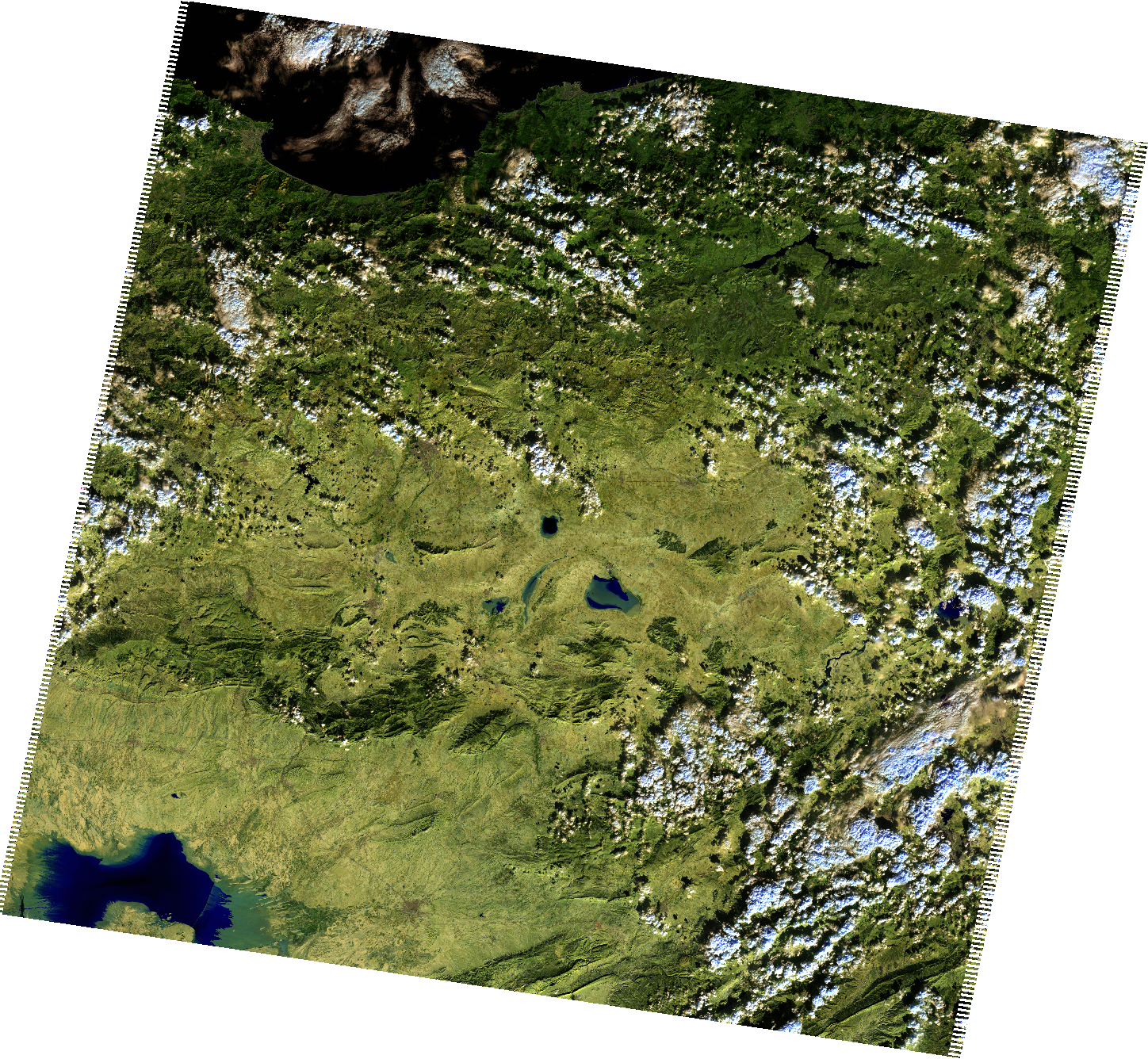
Downloaded image