How to Login to Data Explorer on CODE-DE-Lab Cloud
CODE-DE-Lab hosts petabytes of Earth observation data in EODATA repository.
Data Explorer at https://explore.code-de.org/ enables you to
Order fresh data
Order archived data
Order data that requires processing
View your orders
Track the progress of your orders
Browse the history of your orders in one place
In addition, it will allow you to
Upload your own AOI in Polygon (geojson, kml)
Provide support for multipolygons (.wkt)
Provide advanced, more intuitive searching
Search by type eg. Optical, Radar, Altimetry, DEM
Use on-the-fly created Query URL
Use workspace to keep all data under one roof.
In this article we show how to log into the Data Explorer.
What We Are Going To Cover
Opening the Data Explorer website
Logging in to Data Explorer
Prerequisites
No. 1 Account
You need a CODE-DE-Lab hosting account with Horizon interface https://identity.cloudferro.com/auth/realms/CODE-DE3/account/. Create a new account if you need, by visiting https://tenant-manager.code-de.org.
Step 1 Open the Data Explorer website
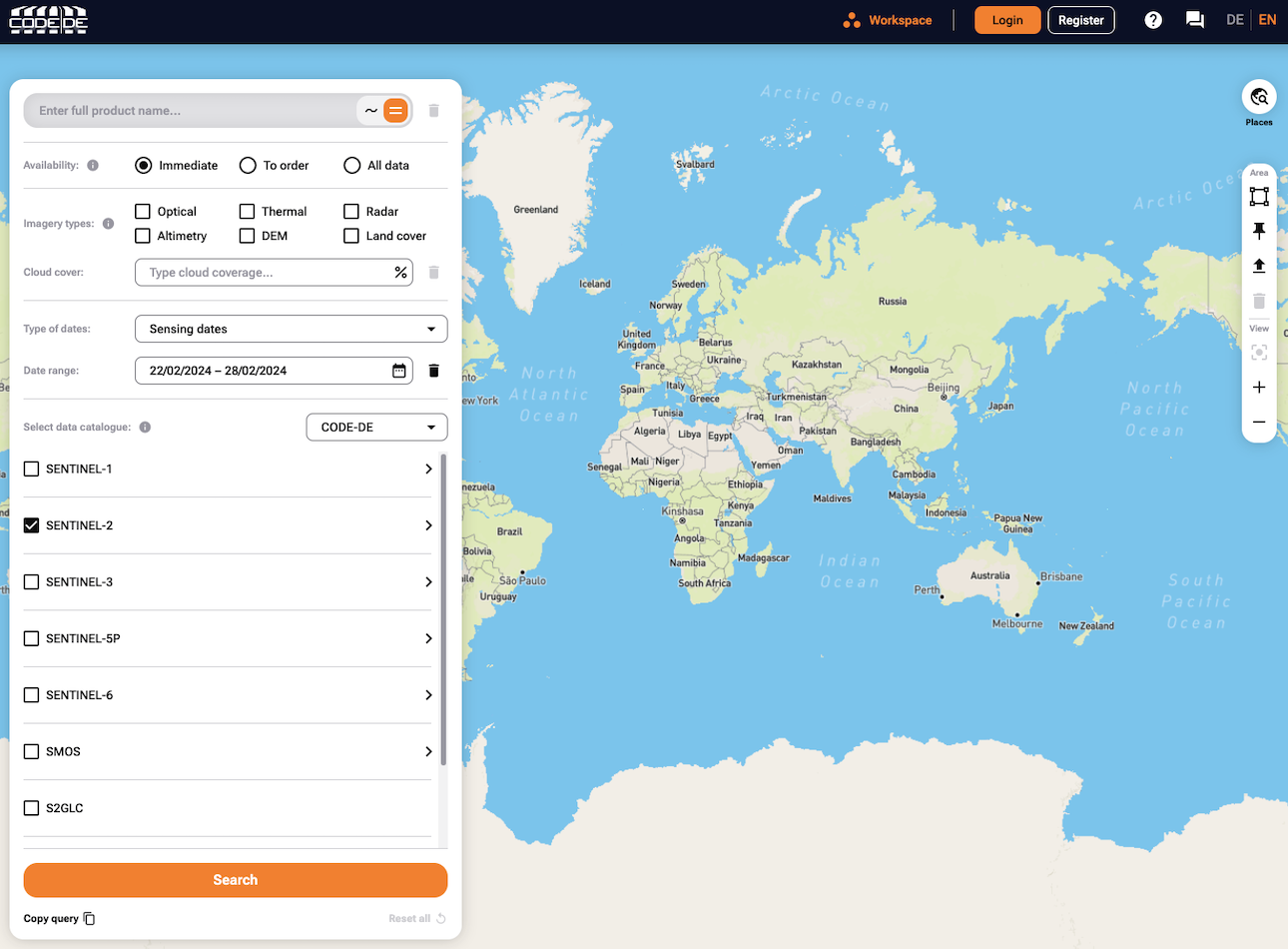
Navigate to the Data Explorer website: https://explore.code-de.org/ .
You should see the following page:
Step 2 Log in to Data Explorer
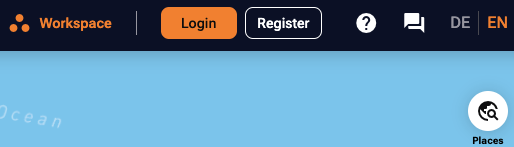
Click the Login button in the top right corner.
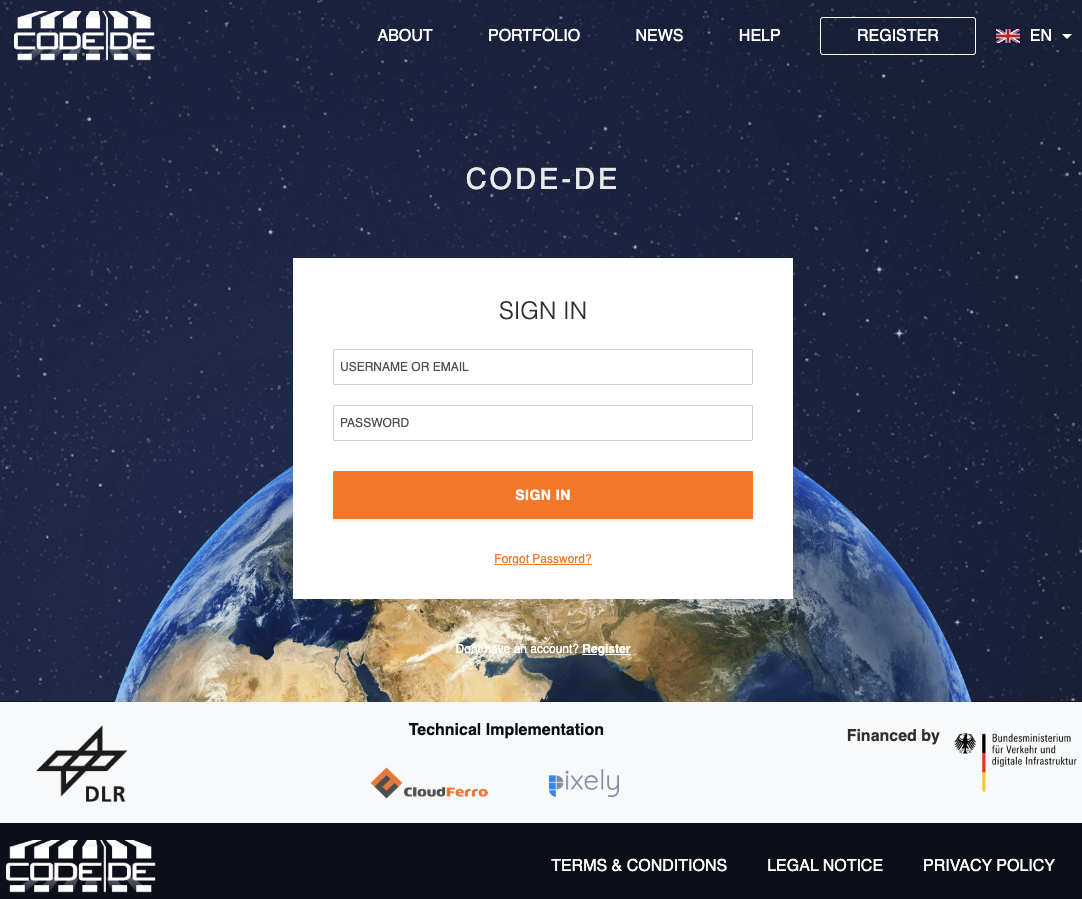
Enter credentials for your CODE-DE-Lab account and click Sign in.
You will be redirected to the previous page.
If you logged in successfully, the buttons in top right corner should be replaced by a welcoming message:

What To Do Next
Now that you have gained access to the Data Explorer, you can start browsing, downloading and ordering products.
Here is how to download a single product:
How to Download a Single Product Using Data Explorer on CODE-DE-Lab Cloud
To make them usable, the products should be processed first:
Processing Products with Data Explorer on CODE-DE-Lab FRA1-3 Cloud