Removing a user from an organization
An organization administrator can remove another user from the organization through the Sub-accounts page. To leave an organization yourself, follow Adding and editing an organization instead.
Prerequisites
No. 1 Active account and Dashboard access
User management is performed in the CODE-DE-Lab Dashboard at https://tenant-manager.code-de.org. If you do not yet have an active account, follow Registration and Setting up an Account, then sign in before continuing.
No. 2 Administrator role in the organization
Only organization administrators can manage users through Sub-accounts. Review the available permissions in Tenant Manager users and roles on CODE-DE-Lab and continue with the admin role active in the relevant organization.
No. 3 User assigned to the organization
The user must already appear on the organization’s Users and Roles page. Have the user’s name or email address ready so that you can identify the correct account before removing its organization assignment.
Remove the user
In the left sidebar, under Configuration, select Sub-accounts.
The Users and Roles page lists the users assigned to the organization and their current roles.
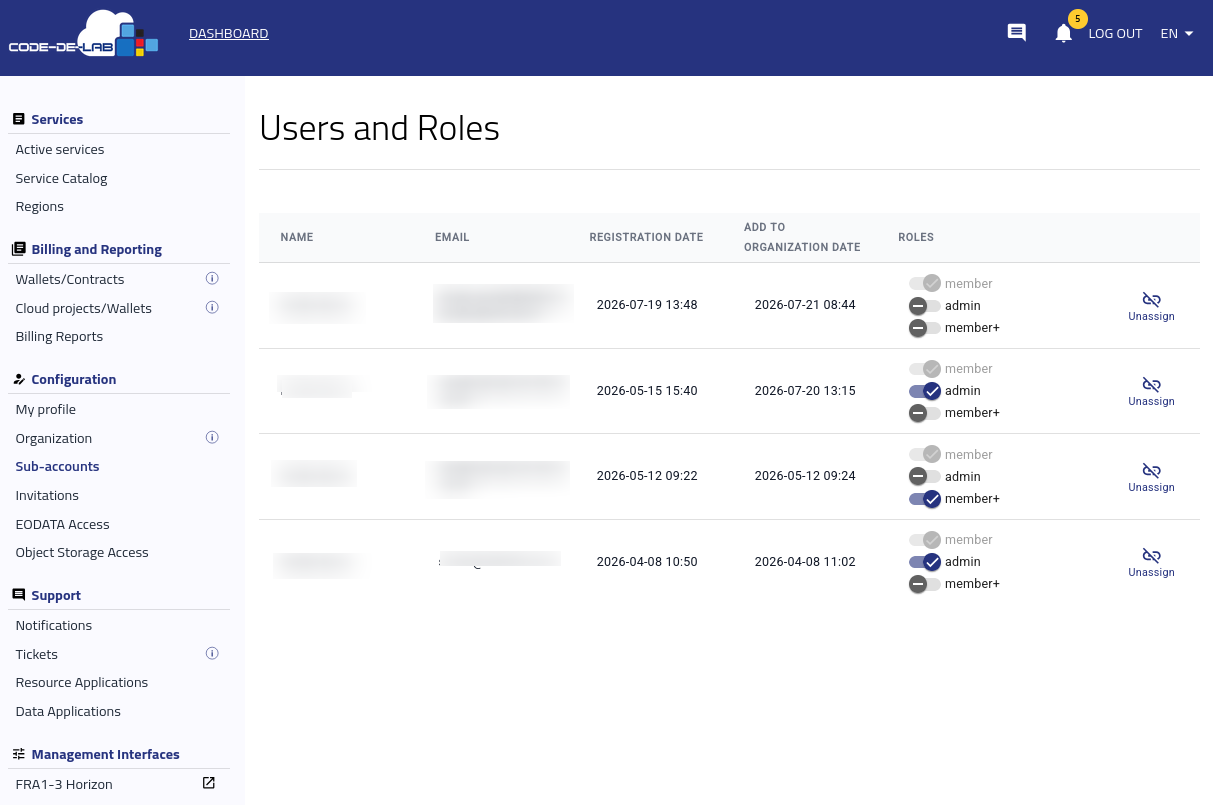
Users and roles assigned within the organization
Locate the user and select Unassign on the right side of the corresponding row.
A confirmation dialog asks whether you want to unassign the user from the organization.

Confirmation dialog for removing the organization assignment
Verify that you selected the correct user, then select Confirm. Select Cancel to keep the organization assignment unchanged.
After confirmation, the User deleted notification appears and the removed user no longer appears in the list.
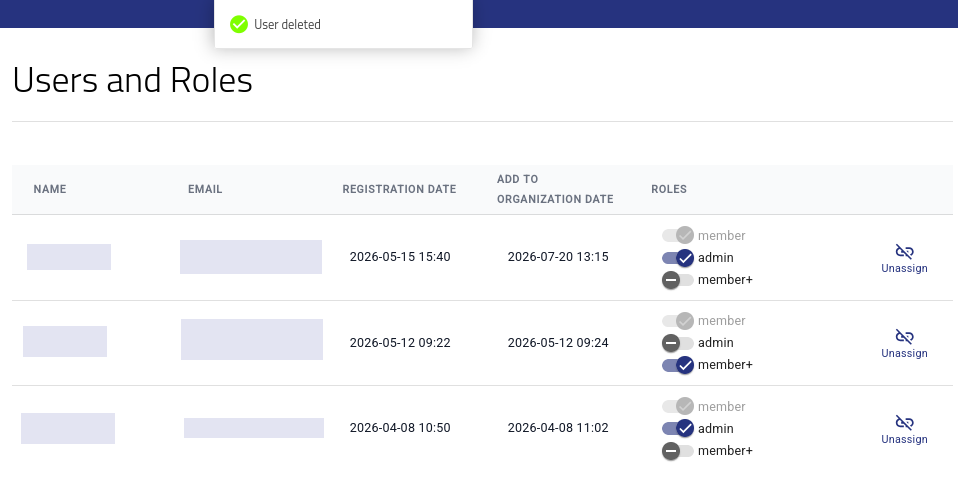
Confirmation that the user was removed from the organization
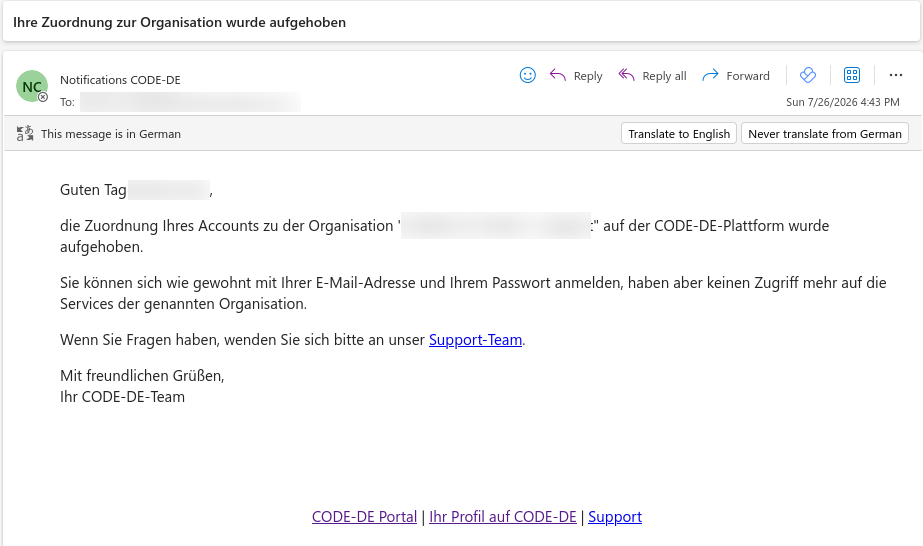
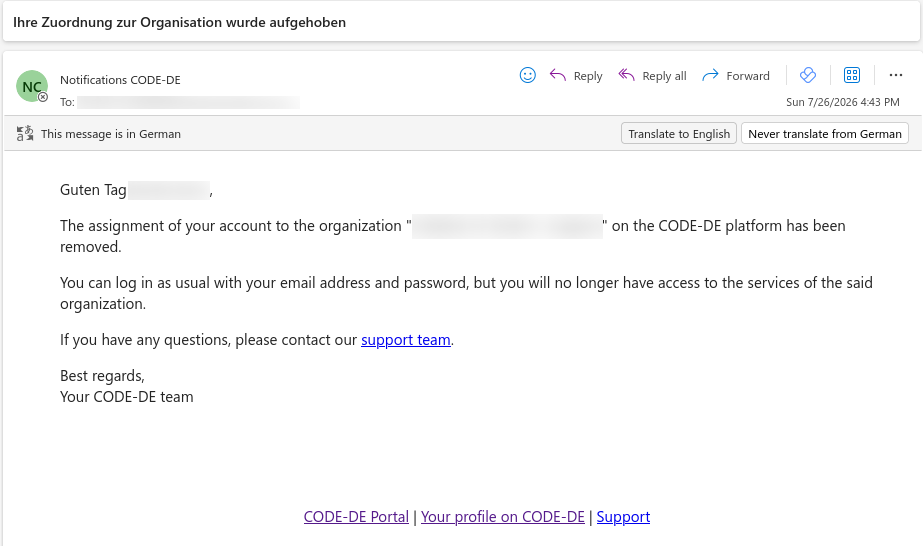
The removed user receives an email confirming that the organization assignment has been removed. The account remains active, but it no longer has access to the organization’s services.
What to do next
To grant a remaining user a different level of access, follow Tenant Manager users and roles on CODE-DE-Lab.
To add another user or restore membership for a removed user, follow Invite a new user to your organization.